Own the award-winning photo editing software today
Affinity Photo
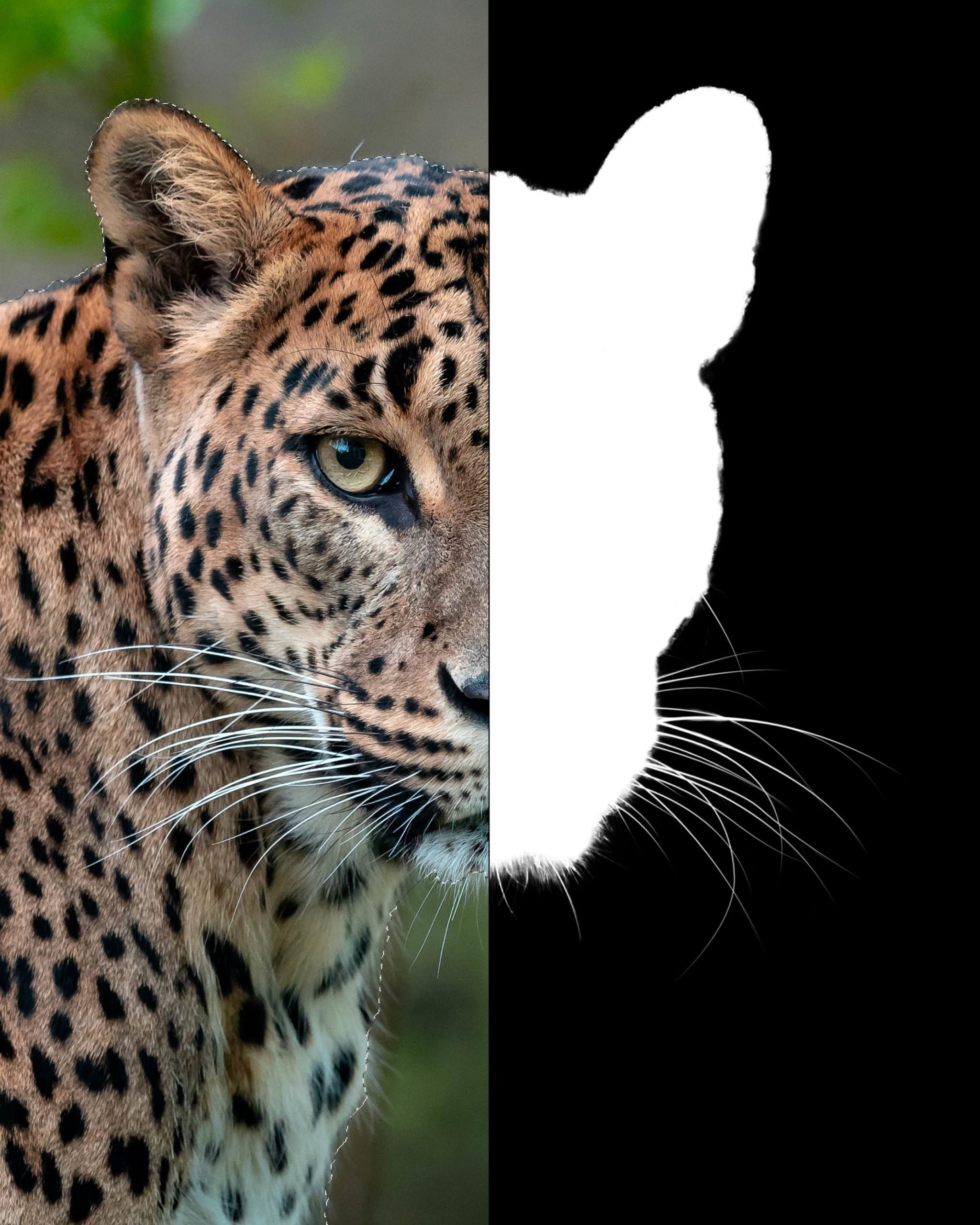
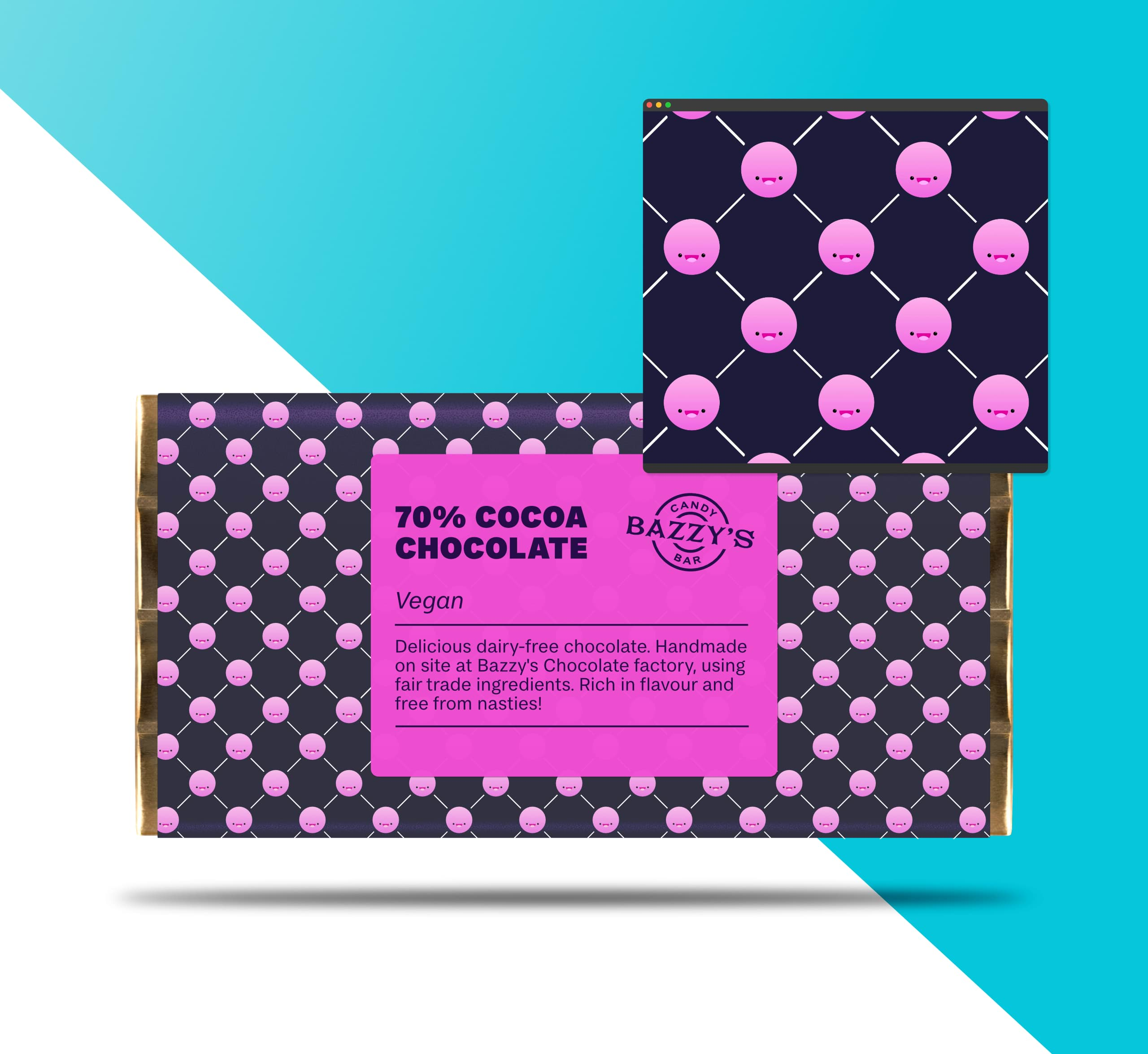
The fastest, smoothest and most precise image editing software around, this essential app will revolutionise the way you work, whether you’re editing and retouching images, creating full-blown multi-layered compositions or making beautiful raster paintings.
If you could create your own photo editing software, it would work like this. Whether it’s quick corrections, delicate retouching, or immersing yourself in complex fine art with hundreds of layers, Affinity Photo has you covered.
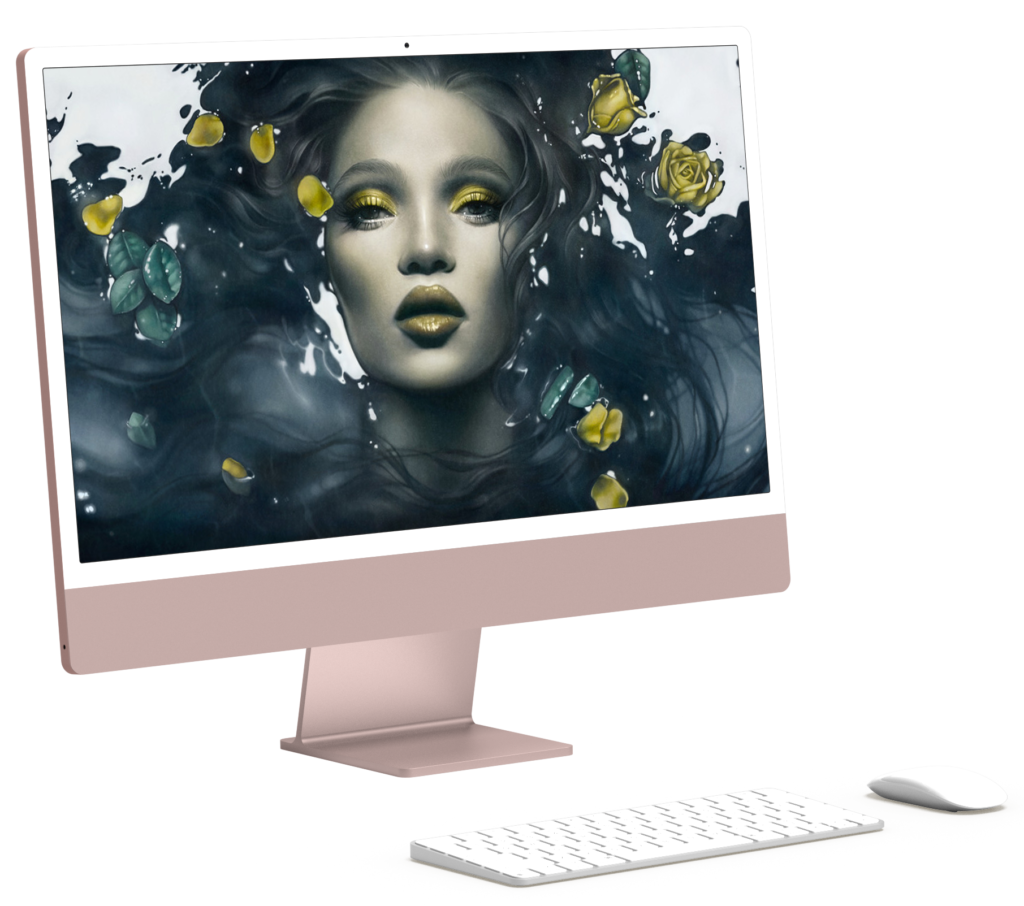
Affinity Photo has become the first choice for photography and creative professionals around the world, who love its speed, power and precision. Born to work hand-in-hand with the latest powerful computer technology, it’s the only fully-loaded photo editor integrated across macOS, Windows and iOS.
Raw Editing
HDR Merge
Panorama Stitching
Focus Stacking
Batch Processing
PSD Editing
360 Image Editing
Unlimited Layers
Smart Object Support
Digital Painting
Performance and power
The raw power under the hood of Affinity Photo will leave you amazed at how quickly you can work. Watch your edits render in real time and dive into the huge toolset, tailored to the demands of a professional workflow.
Live, real time editing
Massive image support (100+ Megapixels)
Super smooth pan and zoom at 60fps
Open and edit PSD and PSB files
PSD smart object import
Support for the most complex vector docs
Studio presets for the UI layout and other timesaving tools
Shoot in RAW and enjoy an end-to-end 16-bit, super smooth experience in Affinity Photo. Bring out all the details, and control those finer corrections to take that perfect shot to another level.
Professional lens corrections
Adjust exposure, blackpoint, white balance and much more
View histograms, blown highlights, shadows and tones
View and edit EXIF information
Best in class noise reduction and hot pixel removal
Whether on Windows, Mac or iPad, the file format is exactly the same. This gives complete freedom to seamlessly work across your (or your team’s) different devices with the same file.
Best-in-class PSD Import/Export
PSD Import/Export
PSB Import
Layer Integrity
Plugins Supported
Brush Support
PSD Smart Object import
Affinity Photo
Picture the future
Own the award-winning photo editing software today. No subscription.